
Photo by Fili Santillán on Unsplash
Comparisons of AI coding assistants almost always rank them on suggestion quality. That is the wrong first question, because the models are close enough now that the difference rarely survives contact with a real codebase.
The question that actually decides which one you can use is this: what happens to the code you send it? And the reason nobody leads with that is that the answer is genuinely hard to find.
Try Finding the Answer Yourself
Take GitHub Copilot, the most documented product in the category. Its responsible use documentation covers what the feature does and notes it was trained on public code. On retention it says to see the Copilot Trust Center, which is a separate site, where the specifics are organised by plan tier.
None of that is evasive. It is just spread across three places, worded for legal precision, and different depending on which subscription you are on. Which is why almost every roundup skips it and talks about autocomplete quality instead.
What Actually Leaves Your Machine
People picture a chat box. The bigger channel is the one that runs constantly.
| What gets sent | When | Sensitivity |
|---|---|---|
| Code around your cursor, open files, file paths | Continuously, for autocomplete | High |
| Whatever you type or paste into chat | On demand | High |
| Acceptance rates, latency, errors | Continuously | Low |
The first row is the one that surprises people. You do not have to ask the assistant anything for your code to be transmitted; that is how the suggestions appear as you type. “I only use autocomplete, not the chat” is not the protection it sounds like.
File paths deserve their own mention. Internal project names and client names live in directory structures more often than anyone intends.
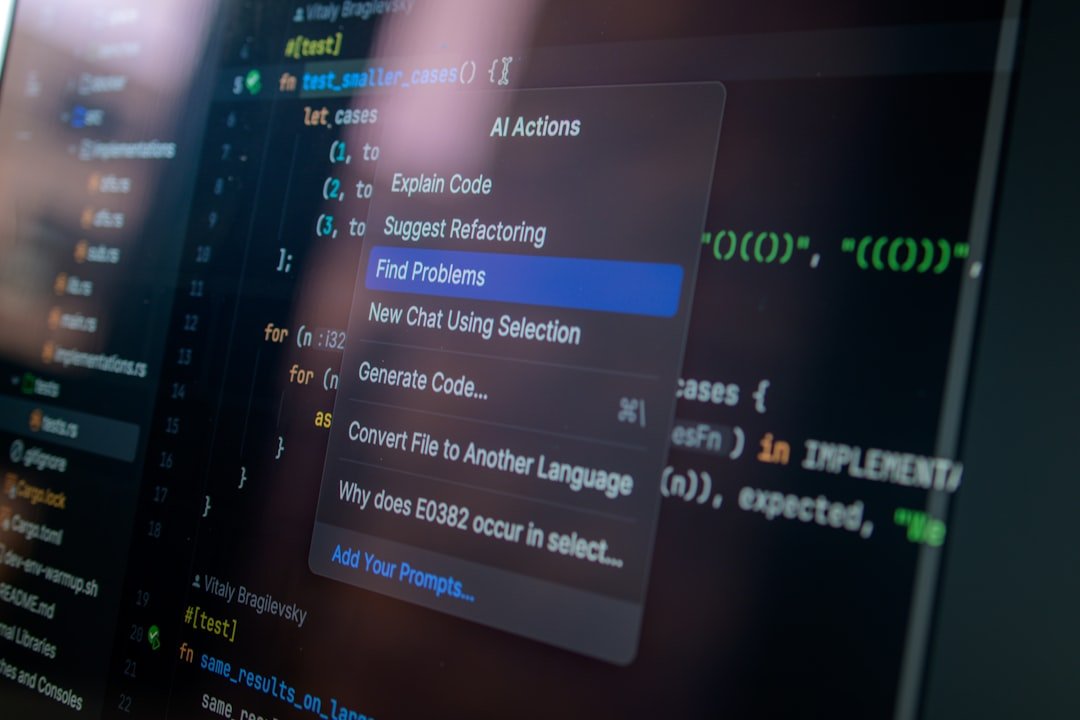
Photo by Daniil Komov on Unsplash
“I only use autocomplete, not the chat” is not the protection it sounds like.
The Second Question: Whose Code Comes Back
Separate from what you send is what you receive. If a suggestion reproduces a chunk of licensed code, the licence terms travel with it, and you have no obvious way to notice.
Two practical mitigations exist and both are worth turning on where offered. Some assistants can filter suggestions that match public code, and business tiers frequently include an intellectual property indemnity, meaning the vendor takes on the defence if a claim arises. Neither is available on most free tiers, which is a large part of what the paid tiers are actually selling.

Photo by Compagnons on Unsplash
Matching the Setup to the Situation
| Your context | What you need |
|---|---|
| Personal side project | Any free tier. Turn off training in settings if you care |
| Employed, ordinary commercial code | A business tier under your employer’s account, not your personal login |
| Client work under NDA | Check the NDA before enabling anything; some forbid third-party processing outright |
| Regulated industry or air-gapped | Self-hosted or local models, where nothing leaves the network |

Photo by Sanni Sahil on Unsplash
Then, Finally, the Comparison
Once the data question is settled, the shortlist is usually short and the remaining differences are ergonomic rather than qualitative: how the suggestions interrupt you, whether it understands your whole repository or just the open file, how good the chat is at multi-file changes. Those are worth a week of trial each and are not worth reading rankings about, because they depend on how you work.
What is worth knowing is that agentic features, where the assistant edits files and runs commands, expand this whole surface considerably. That shift is covered in AI Agents for Beginners.
FAQ: Frequently Asked Questions
Is my code used to train the model?
It depends on the product and, critically, the plan. Individual and free tiers are the likeliest to allow it with an opt-out in settings; business tiers generally exclude it contractually. Check your specific plan rather than the product name.
Is it safe to use a free AI coding assistant at work?
Only if your employer has approved it and you are signed in to their account. A personal free account used on company code is the common failure, and it is a policy problem rather than a technical one.
Can I avoid sending code entirely?
Only by running a model locally or self-hosted. Any cloud assistant needs to see surrounding code to suggest anything, so transmission is inherent to the feature rather than an optional extra.
What about the licence of the code it writes?
An open question in law, with two practical mitigations: enable filtering of suggestions matching public code, and prefer tiers that include an IP indemnity. Both mostly live on paid plans.
Product data-handling terms vary by plan and change; the descriptions here are general patterns rather than current terms for any specific product. Confirm against the vendor’s own documentation and your organisation’s policy before use.