Photo by Annie Spratt on Unsplash
Two things tend to surprise people the first time they use a free AI video generator. The first is how short the output is. The second arrives later, when they upload it somewhere and discover they were supposed to declare it.
Neither is a reason to avoid these tools. Both are reasons to know what you are getting into before you plan a piece of content around one.
What Free Actually Produces
The demo reels are edited sequences. What a free tier hands you is a single short clip, usually a few seconds long, at modest resolution, frequently watermarked, and generated in a queue behind paying users.
That is a building block, not a video. Making something watchable means generating several clips and assembling them yourself, which is ordinary editing work that the marketing quietly omits.
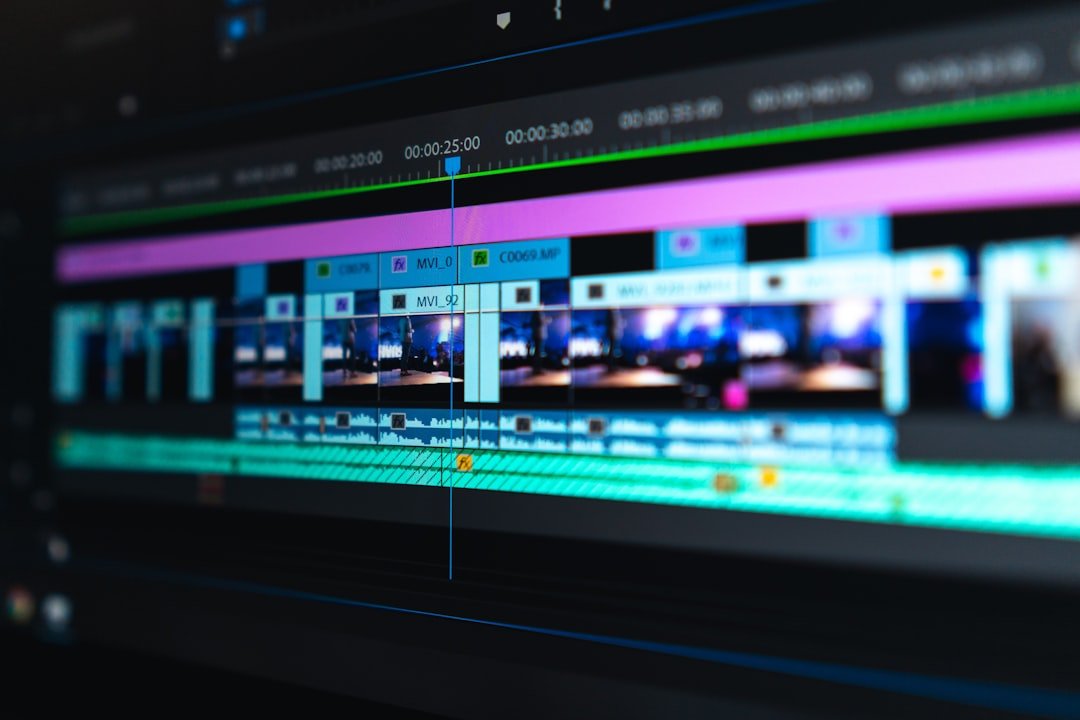
Photo by Peter Stumpf on Unsplash
The Disclosure Requirement Nobody Mentions
If your clip is realistic and you publish it, platform rules apply. YouTube’s policy on disclosing altered or synthetic content requires creators to declare content that could be mistaken for real, and the consequences for ignoring it are stated plainly: labels applied manually, content removal, and suspension from the Partner Program for creators who repeatedly do not disclose.
The threshold is realism, not effort. A scene that never happened but looks like it did needs the disclosure whether it took you three hours or thirty seconds.
| Needs disclosure | Does not |
|---|---|
| A realistic scene of an event that did not occur | Obviously stylised or animated output |
| A real person appearing to say something they did not | Beauty filters, colour grading, blur effects |
| Altered footage of a real place | AI help with scripts, outlines or thumbnails |
| Synthetic footage presented as documentary | Captions, audio cleanup, your own voice cloned |
The threshold is realism, not effort. A scene that never happened but looks like it did needs the disclosure.
Photo by Peter Stumpf on Unsplash
Where Free AI Video Genuinely Works
The constraint that makes it awkward for storytelling makes it fine for other things.
- B-roll and backgrounds. A few seconds behind a title card is exactly a few seconds long.
- Concept and pitch mockups. Showing a client the idea before anyone books a shoot.
- Social loops. Short and repeating is the native format.
- Abstract and stylised visuals. Also the category that sidesteps the disclosure question entirely, because nobody would take it for real.
What it is not yet good at is anything with continuity: the same character across shots, consistent lighting, or a face that stays the same face for eight seconds.
Photo by Afffect on Unsplash
Before You Build a Plan Around One
| Check | Why |
|---|---|
| Clip length on the free tier | Determines whether your idea is even possible |
| Watermark policy | Removing one may breach terms even where use is permitted |
| Commercial use rights | Frequently reserved for paid tiers |
| Daily generation quota | Retries consume it fast, and retries are most of the work |
| Output resolution | Fine on a phone, visibly soft on anything larger |
Ownership sits alongside these and is the same question that applies to generated stills, which I went through in Free AI Image Generators With No Sign-Up.
FAQ: Frequently Asked Questions
How long are free AI video clips?
Short, typically a few seconds, and it varies by tool and changes often. Check the current limit on the tool’s own page before planning around a specific length.
Do I have to say a video was made with AI?
On YouTube, yes, where the content is realistic enough to be mistaken for real. Stylised or obviously synthetic output does not require it, and neither do minor edits or AI assistance with scripts and captions.
What happens if I do not disclose?
YouTube may apply the label itself, and states that creators who consistently fail to disclose may face content removal or suspension from the Partner Program.
Can I use free AI video commercially?
Depends on the tool, and commercial rights are one of the most common things held back for paid tiers. Confirm on the provider’s terms rather than assuming, and keep a copy.
Platform policies and free-tier limits described here reflect published documentation as of 19 August 2026 and change frequently. Verify against the provider and platform pages before relying on any of it.