
Photo by Dreamlike Street on Unsplash
Seoul publishes the password to its free WiFi. It is printed on the city’s own website: the username is seoul and the password is seoul. Every visitor and every resident uses the same pair. And the city recommends this network over the open one, calling it the secure option.
That sounds backwards, and it is the most interesting thing about public WiFi in Korea. A password everybody knows can still protect you better than no password at all, because of how this kind of network works. It also leaves one specific gap, and you should know about it before you connect your phone at a bus stop.
What networks you will see
In Seoul, the city’s page on its free WiFi, last revised March 12, 2026, lists three network names:
| Network name | How you join | What the city says |
|---|---|---|
| SEOUL_Secure | ID seoul, password seoul, once |
Recommended; reconnects automatically anywhere afterwards |
| SEOUL_Secure_(3) | Same ID and password | Uses WPA3-Enterprise, the newer security standard, and is more secure |
| SEOUL | Tap the general access button on the page that opens | General access; you connect manually each time |
The page lists main streets, traditional markets, parks and riversides, bus stops, tourist sites, cultural and welfare facilities, and city and village buses as places with coverage. Outside Seoul the names change by city and program. Incheon, for example, announced in November 2022 that its public sites would carry PublicWifi@Free and PublicWifi@Secure, with wifi as both the ID and the password for the secure one. The usual pattern is an open network and a secure twin with a public login.
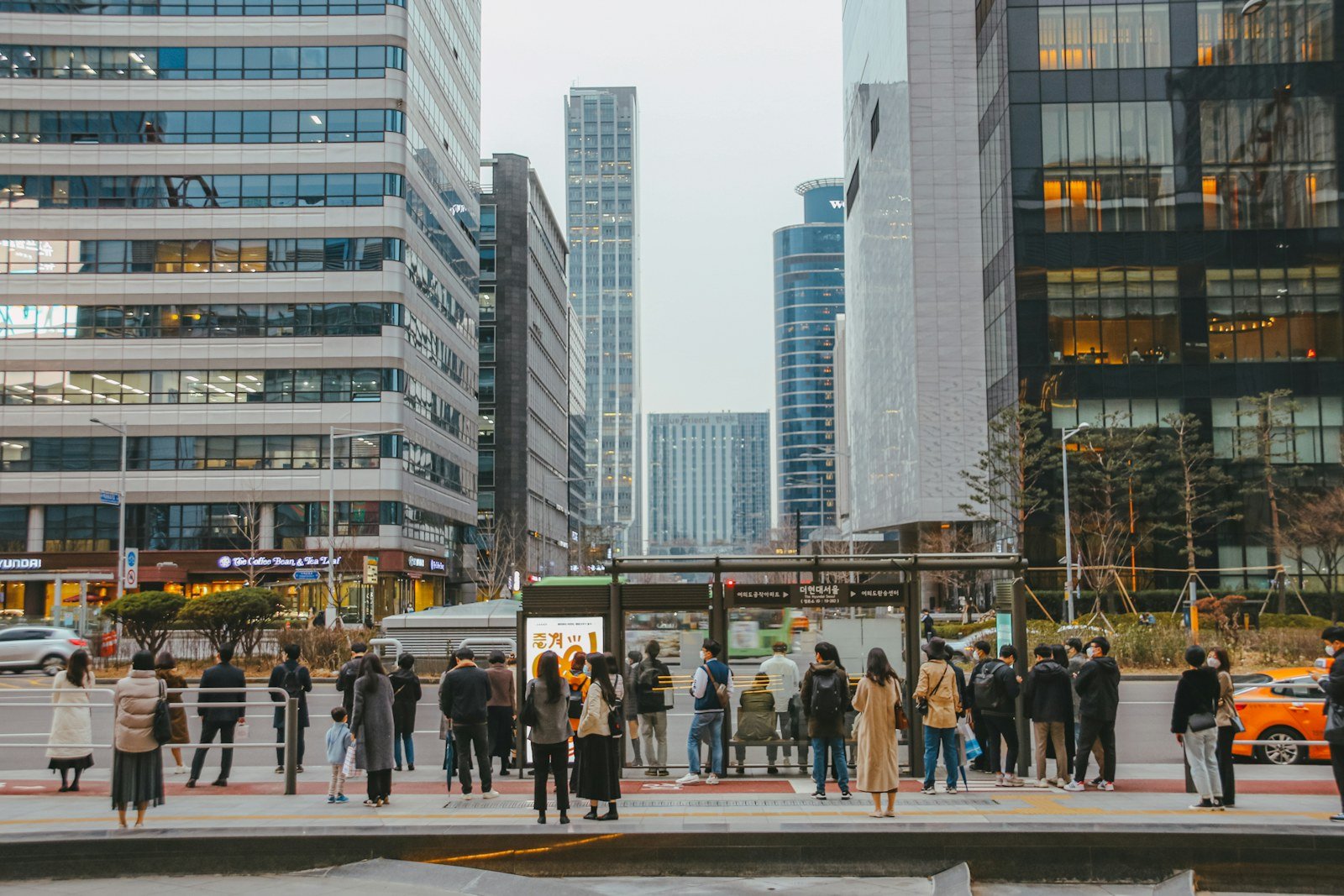
Photo by HANVIN CHEONG on Unsplash
Why a public password is not like a café password
At a café, the WiFi password on the chalkboard usually protects a network running in personal mode. Personal mode is built for homes, where everyone who knows the password is trusted. On the older WPA2 version of personal mode, still very common, anyone who has the password and captures the moment you connect can work out the keys protecting your traffic, which is why a shared password on a public network gives you less protection than it seems to.
SEOUL_Secure is different. Asking for a username as well as a password is the giveaway: it is an enterprise network, the kind companies and universities use. In enterprise mode you log in to an authentication server, and each connection gets its own encryption keys out of that login. Knowing the same seoul password as the person next to you does not let either of you read the other’s traffic over the air. That is the reason the city can print the password and still call the network secure, and the reason the WPA3 version is described as stronger still.
The open SEOUL network has no login at all. Seoul’s page does not say what over-the-air protection it uses, and unless an open network uses the newer encryption known as Enhanced Open, traffic between your phone and the access point is not encrypted by the WiFi itself. Your apps’ own HTTPS encryption still protects most of what you send, but the secure network adds a layer that the open one may not.
The gap a shared password leaves
Enterprise mode protects you from other people on the same network. What a published password cannot do is prove that the network itself is real. Anyone can set up a hotspot called SEOUL_Secure and accept seoul as the password. The defense against that is the authentication server’s certificate: your phone checks that the server it is logging in to really belongs to the network operator.
That check is why Android changed. As XDA Developers reported in January 2021, Android removed the “Do not validate” choice from the CA certificate menu for enterprise WiFi, starting with Pixel phones in the December 2020 update. Google’s stated reason was that skipping validation opens up the possibility of leaking user credentials. If your Android phone asks you about a CA certificate when you join SEOUL_Secure, that question is the security check doing its job. Seoul’s page gives a phone number for its public WiFi management center, 02-2133-0022, for help with connection settings.
Photo by Farrel Nobel on Unsplash
Practical rules for public WiFi in Korea
- Prefer the secure network. In Seoul, choose SEOUL_Secure_(3) if your phone shows it, otherwise SEOUL_Secure. Enter
seoulandseoulonce. - Use the open network for low-stakes browsing. Maps, news and messaging apps that encrypt their own traffic are fine. Leave banking until you are on the secure network or mobile data.
- Do not dismiss certificate warnings. A warning on a network you joined without trouble before is a reason to stop, not to tap through.
- Keep mobile data as a backup. Public WiFi coverage is patchy indoors and on the move. If you need a connection you can count on, our guide to Korean visitor eSIMs explains what the data and voice plans include.
Korea’s mobile networks are fast, as covered in how fast South Korea’s internet really is, so for anyone with a data plan public WiFi is a supplement. For visitors without a local plan, the free networks fill a real gap, especially alongside the apps in our Korean apps for foreigners check.
Quick answers
What is the password for Seoul’s free WiFi?
On SEOUL_Secure and SEOUL_Secure_(3), both the ID and the password are seoul, according to the Seoul city government’s page. The open SEOUL network needs no password.
Is it safe if everyone uses the same password?
Safer than it sounds. On an enterprise network each connection gets its own encryption keys, so other users cannot read your traffic over the air. The remaining risk is a fake network with the same name, which certificate validation is designed to catch.
Is there free WiFi outside Seoul?
Yes, but names differ by city and program. Incheon’s public sites, for example, use PublicWifi@Free and PublicWifi@Secure, with wifi as the ID and password for the secure one.
Do I need to log in every time?
Not on the secure network. Seoul says one login connects you automatically everywhere afterwards. The open SEOUL network asks you to tap through each time.
Sources. Network names, credentials, coverage types and the help line are from the Seoul Metropolitan Government’s public WiFi page, revised March 12, 2026. The Incheon network names are from the Incheon city government’s English news page of November 22, 2022. The Android change is as reported by XDA Developers on January 4, 2021. The explanation of personal and enterprise WiFi is general background on how these security modes work.