
Photo by Microsoft 365 on Unsplash
A free budgeting app is not really free, and the price is not advertising. The price is a live connection to your bank.
To categorise your spending automatically, the app needs to read your transactions, which means it holds an ongoing link to your accounts, usually through a data aggregator sitting between the two. That arrangement is what makes the app useful. It is also the part worth understanding before you connect anything, and it is currently governed less clearly than you might assume.
The Rule That Was Supposed to Cover This Is on Hold
The CFPB finalised its Personal Financial Data Rights rule, known as Section 1033, in October 2024. It was meant to give consumers a clear right to access their financial data, share it with a service of their choosing, and have it deleted when they revoke access. The largest institutions were due to comply from April 2026.
That has not happened. A federal court enjoined enforcement while the Bureau reconsiders the rule, and the CFPB has an open reconsideration proceeding on its own rulemaking pages.
Three Questions Worth Answering Before You Connect
How does it connect?
Modern connections use a token issued by your bank, which the app can hold without ever seeing your password. Older connections ask for your banking credentials directly and log in as you. The first is meaningfully safer. If an app asks you to type your online banking password into its own screen, that is worth pausing over.
What happens when I disconnect?
Disconnecting stops future collection. Whether it deletes what was already gathered is a separate question with a separate answer, and it lives in the privacy policy rather than in the settings screen.
Is my data sold or shared?
Anonymised and aggregated spending data has commercial value, and free products are the likeliest to monetise it. This is usually disclosed. It is rarely disclosed prominently.
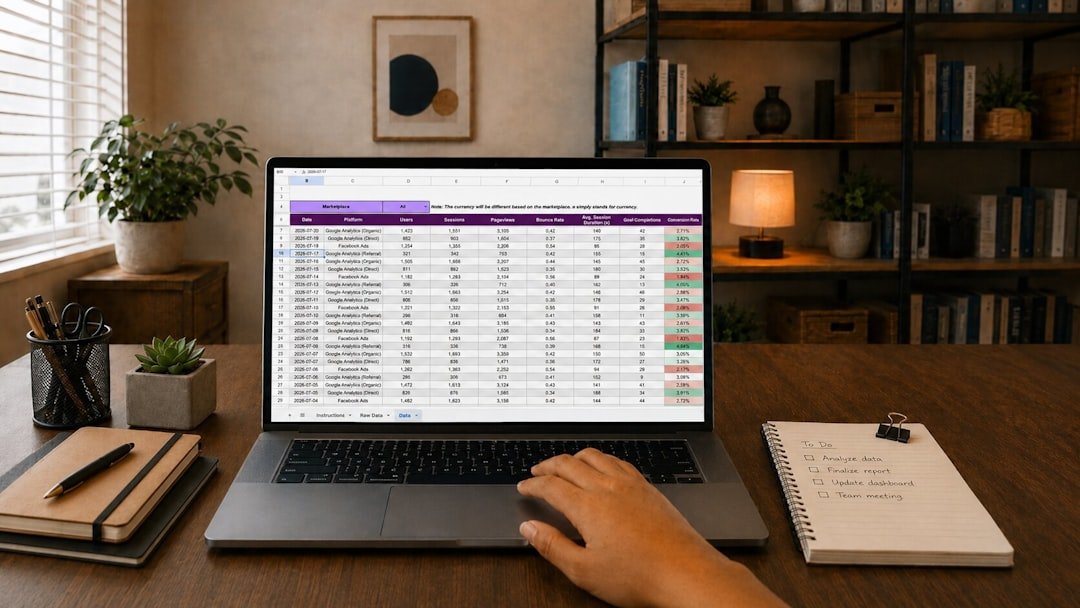
Photo by Gorilla ROI Data Connector on Unsplash
A free budgeting app is not really free, and the price is not advertising. The price is a live connection to your bank.
The Free Option Most Roundups Skip
A spreadsheet connects to nothing, shares nothing, and cannot be discontinued by a company. It is also the option that actually teaches you where your money goes, because you have to look at each line to enter it.
The automation everyone praises is genuinely convenient and quietly removes the part that changes behaviour. An app that silently sorts a purchase into “Dining” produces a tidy chart you glance at. Typing that amount in yourself produces a small moment of noticing, and noticing is the mechanism by which budgets work at all.
Choosing by What You Actually Need
| If your problem is | What helps | Bank connection needed? |
|---|---|---|
| “I have no idea where it goes” | Automatic categorisation for two or three months | Yes, and it is worth it for the diagnosis |
| “I know where it goes, I overspend anyway” | An envelope or zero-based method | No, this is a planning problem |
| “Irregular freelance income” | A buffer month plus manual allocation | No |
| “Two people, one household” | A shared sheet both can see | No, and shared visibility matters more than features |
Only the first row genuinely needs a connected app. That is one row out of four, which is not the impression a list of seven budgeting apps leaves you with.

Photo by Vitaly Gariev on Unsplash
If You Do Connect an Account
- Connect the spending account, not everything. Your budget needs the current account the card draws from. It does not need your brokerage or your mortgage.
- Check the connection method. Bank-issued token over typed credentials, every time.
- Read the deletion clause specifically. Not the whole policy, just that paragraph. It is short and it is the one that matters.
- Revisit annually. Apps get acquired and terms change with new owners. A connection you approved two years ago was approved with a different company’s promises.
The same free-tier logic applies across financial tools generally; the ones covering savings and investing are collected in Personal Finance Basics.
FAQ: Frequently Asked Questions
Are free budgeting apps safe?
The established ones use bank-issued tokens rather than storing your password, which is a sound design. The open question is not interception but retention: what the app keeps, for how long, and whether disconnecting deletes it.
Do I have a right to delete my financial data?
Less clearly than you would expect. The CFPB rule intended to establish that right is enjoined and under reconsideration as of August 2026, so what applies to you is whatever the app’s own terms promise.
Is a spreadsheet actually good enough?
For most people, yes, and for some people it is better. It shares no data and forces the manual review that makes budgeting work. What it lacks is the accurate history an automatic feed provides.
Which single account should I connect first?
The one your daily card spending comes out of. That is where the pattern you are trying to see actually lives, and connecting it alone limits your exposure while answering the question.
This is general information about choosing software, not financial or legal advice. Regulatory status described here reflects CFPB publications as of 19 August 2026 and is actively changing; check current guidance and each provider’s terms before connecting an account.